A Tradervue Alternative With Automatic NinjaTrader 8 Import
The usual reason to look for a Tradervue alternative on NinjaTrader is the import: Tradervue needs a CSV from the Trade Performance window, or a third-party plugin, for every batch of trades.
Kaizen Trading Journal is a free Windows app with its own NinjaTrader 8 add-on, so every fill arrives in the journal as it happens.
Free journal at launch. Early access for the waitlist.
Windows desktop app. Your trades stay on your computer. No spam, unsubscribe anytime.
Tradervue vs. Kaizen Trading Journal: side-by-side
| Tradervue | Kaizen Trading Journal | |
|---|---|---|
| Price | Free (up to 30 trades per calendar month), Silver $29.95/month, Gold $49.95/month, trial for Silver and Gold at signup | Free tier without a trade cap. Premium pricing is announced at launch; 14 days of Premium without a credit card. |
| Platform | Web app | Windows desktop app |
| NinjaTrader import | CSV upload (Trade Performance, Executions, Save As CSV) or the third-party plugin Journal Lync for automatic import | Own NinjaTrader 8 add-on, automatic |
| Trade cap on the free tier | 30 trades per month | None |
| Review after each trade | Notes and tags in the web app | Full-screen review window with timer and playbook score |
| Rule enforcement | Risk tracking and reporting (Gold) | Premium: lockout in NinjaTrader 8. Free: warning. |
| Reports | Over 100 reports, MFE/MAE and exit analysis (Gold) | Dashboard, calendar, reports by symbol, strategy, weekday and playbook; reports by hour, tags and PDF in Premium |
| Data location | Cloud (image storage 1 GB or 5 GB by plan) | Local database on your PC |
Tradervue details as of October 28, 2026, from tradervue.com. Check their site for current prices and features.
Where Tradervue is the better fit
Tradervue supports stocks, options, forex and futures with imports from many brokers, offers mentoring and sharing features, and its Gold plan adds MFE/MAE and exit analysis. If you trade several asset classes or want to share trades with a mentor in the browser, it covers more ground.
Where Kaizen is the better fit
- Your trades come from NinjaTrader 8 and you do not want to upload CSV files.
- You trade more than 30 times a month and want a free tier without a cap.
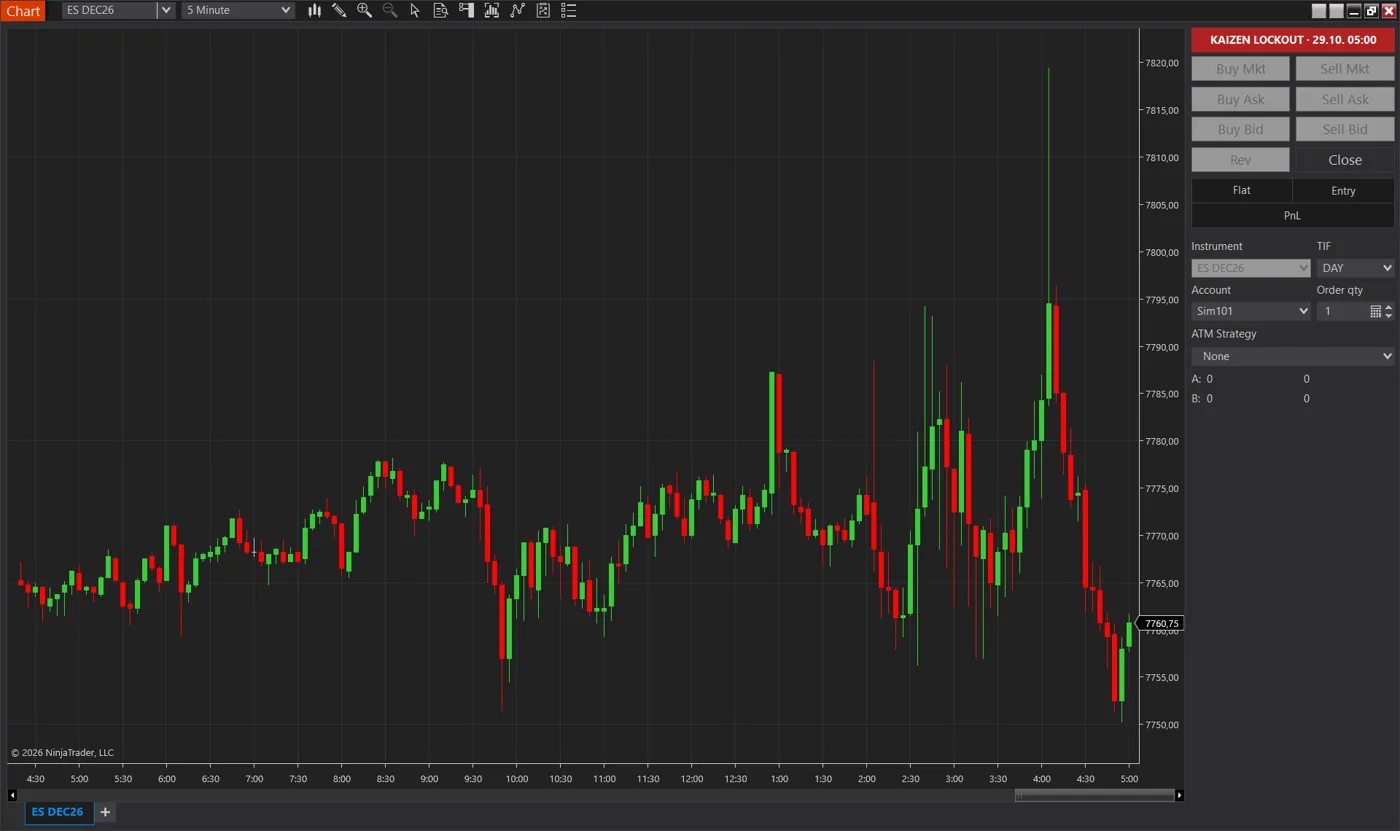
- You want a review window after every trade and, in Premium, a lockout when a daily rule is hit. A limit is a trigger, not a guaranteed maximum loss.
- You keep blowing evaluation or funded accounts on overtrading and revenge trades, and want a tool that steps in during the session: a review after every trade and, in Premium, a lockout at your own daily limit.
- You prefer your journal on your own PC.
Switching: what you keep
Your Tradervue history stays in Tradervue. In Kaizen, new NinjaTrader 8 trades arrive through the add-on, and older trades can be added with a generic CSV import.
Tradervue alternative FAQ
Is Kaizen free like Tradervue's free plan? +
Yes, there is a Free tier, and it has no monthly trade cap. Premium adds the hard lockout, all accounts and advanced reports.
Does Kaizen support Journal Lync? +
It does not need it. Kaizen has its own NinjaTrader 8 add-on that writes every fill for the journal.
Does Kaizen work with brokers outside NinjaTrader 8? +
Kaizen reads trades from NinjaTrader 8. Other platforms can only be added through CSV import.
Get the free trading journal first
Free journal at launch. Early access for the waitlist.
Trading futures involves substantial risk of loss and is not suitable for every investor. The Kaizen Trading Journal is a record-keeping and self-discipline tool. It does not provide trading signals or investment advice and does not guarantee any trading result.
Tradervue is a trademark of its owner. Kaizen is not affiliated with Tradervue. Prices and features checked on October 28, 2026 on tradervue.com; verify current pricing there.