Kaizen Order Flow Indicators and Add-Ons for NinjaTrader 8
Every NinjaTrader order flow indicator on this page is a one-time license for NinjaTrader 8, built and supported by a vendor listed in the official NinjaTrader Ecosystem.
Buy a single add-on for the job you need, or all 21 tools in the Complete Bundle. No subscription, and each license comes with a 30-day money-back guarantee.
See the complete bundle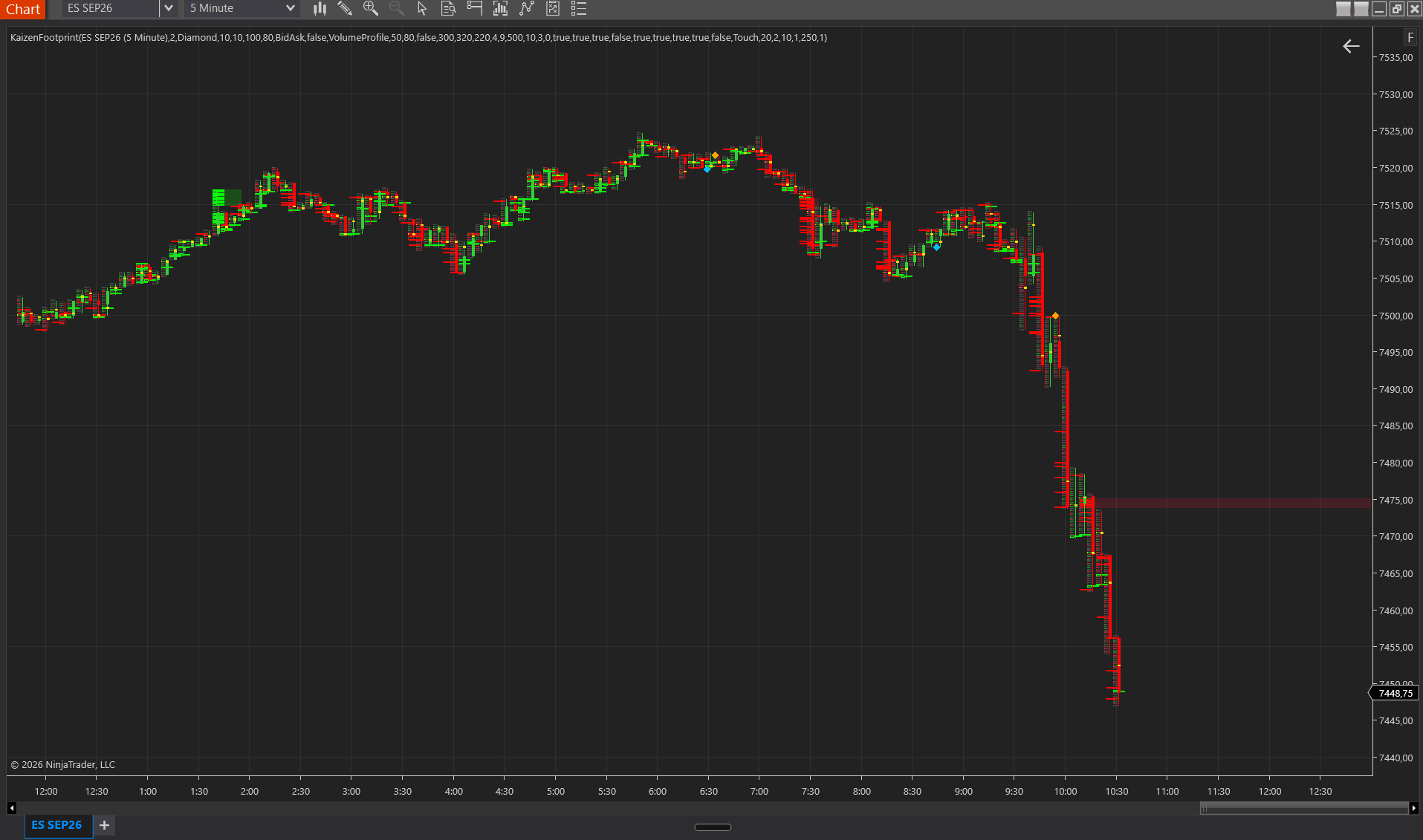
Order flow
Profiles
Levels, alerts and risk
NinjaTrader add-ons for specific traders
Traders in a prop firm evaluation need different things from a chart than someone trading their own account: risk in dollars on screen, alerts when they step away, and limits that hold. The page NinjaTrader indicators for prop firm traders groups the add-ons that help with that.
What every Kaizen add-on needs
- NinjaTrader 8 on Windows (tested on 8.1 and above).
- A data feed with bid and ask tick data, for example Rithmic, Tradovate, CQG, Kinetick or IQFeed. The order flow data feed guide explains the differences.
- Tick Replay enabled on the data series if you want exact order flow values on historical bars.
Order Flow+ or third-party add-ons?
NinjaTrader ships its own Order Flow+ suite. Whether you get it at no extra cost depends on your account, and its tool set differs from what third-party vendors offer. The comparison Order Flow+ vs. Kaizen order flow indicators lays out access, tools and data requirements side by side.
Learn the concepts first
If you are new to order flow, start with what order flow is and the overview of the NinjaTrader order flow indicators traders use most.